

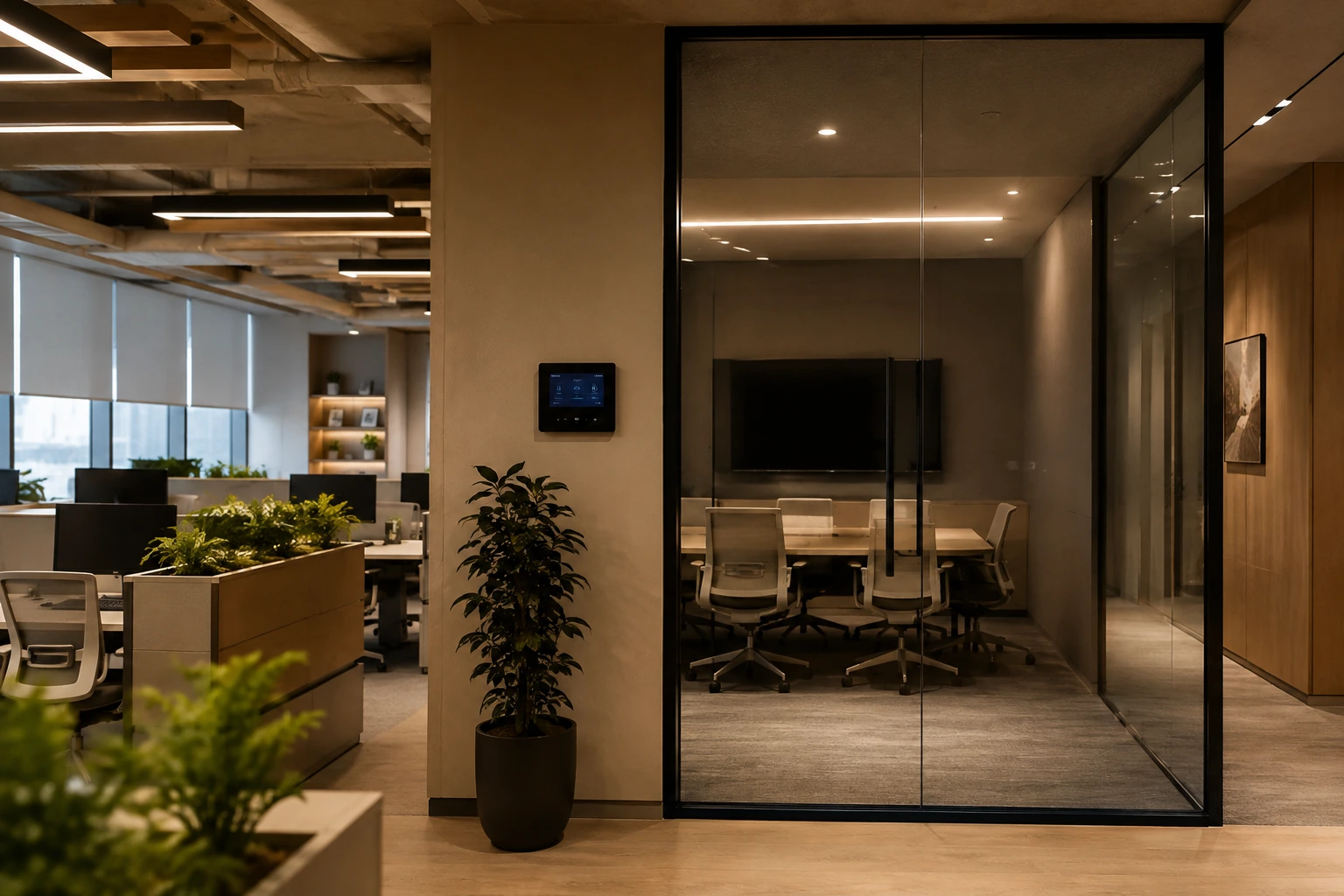
Workplace automation connects an office's lighting, climate, security, meeting rooms, and access control into one system that responds automatically to how the space is actually used — dimming lights in empty zones, adjusting climate by occupancy, and freeing staff from routine manual control. In 2026, Indian offices are adopting it less as a luxury and more as an operational advantage, driven by hybrid work, rising energy costs, and a growing focus on employee comfort.
Planning an office fit-out or upgrade? Talk to TechVault about automating it right.
What Is Workplace Automation?
Workplace automation is the integration of an office's building systems — lighting, HVAC, security, access control, and meeting-room technology — into a single platform that can operate automatically or be managed remotely.
Instead of every system running independently — lights on a manual switch, AC on a fixed timer, security on its own panel — automation ties them together so they respond to real conditions: occupancy, time of day, and how the space is booked.
The distinction that matters: a genuinely automated office isn't a pile of individual smart gadgets. It's a set of systems that talk to each other. A meeting room that's booked but empty can release itself, dim its lights, and set back its climate — automatically — because the booking system, the occupancy sensor, and the KNX-based automation platform are connected, not siloed.
What Are the Main Benefits of Workplace Automation?
1. Measurable Energy and Cost Savings
This is the benefit with the hardest numbers behind it. Automated building systems can reduce office energy consumption by roughly 20–30%, primarily by not lighting, cooling, or heating spaces that aren't being used. In a hybrid-work office where 40% of the team might be remote on a given day, that's not a marginal saving — entire floors or zones can be set back automatically based on actual occupancy.
2. Better Employee Comfort and Experience
Consistent temperature, well-managed lighting, and better air quality directly affect how people feel at work. An automated office holds those conditions steady instead of leaving them to whoever last touched the thermostat — which, in a shared workspace, is usually a source of constant low-level friction.
3. Operational Visibility
Automation gives facilities and admin teams something manual systems can't: real-time data on how the space is actually used. Which meeting rooms sit empty despite showing as booked, which zones are over-cooled, when the building actually fills up. That data turns into better decisions — flexible schedules, right-sized climate zones, fewer wasted resources.
4. Integrated, Proactive Security
In an automated office, security isn't a separate island. Access control, surveillance, and alerts connect into the same system, so entry logs, occupancy, and monitoring work together rather than as disconnected tools.
What Are the Key Workplace Automation Trends in 2026?
Based on how the market is moving this year, a few clear directions stand out:
- Occupancy-driven everything — the shift from fixed schedules to systems that respond to actual, real-time usage, driven directly by hybrid work
- The "single platform" priority — the highest-ROI investment in 2026 isn't new hardware, it's connecting the systems an office already has into one common layer, so they stop operating as data silos
- Smart meeting rooms — rooms that detect occupancy, release themselves when booked-but-empty, and integrate booking with climate and lighting
- Health-focused workspaces — air quality monitoring and better environmental control moving from "nice to have" to expected, especially in metro offices
- Sustainability as a driver — energy reduction tied to real cost savings and corporate sustainability goals, not just comfort
Planning a smart office in Noida, Gurgaon, or Delhi NCR? The trend that matters most here is the first question we ask every client: what systems do you already have that aren't talking to each other? That's usually where the highest-return project starts.
Workplace Automation vs a Traditional Office — What Actually Changes
| Traditional Office | Automated Office |
|---|---|
| Lights and AC run on manual switches or fixed timers | Systems respond to real occupancy and time of day |
| Empty-but-booked meeting rooms waste energy and space | Rooms release, dim, and set back automatically |
| No visibility into how the space is actually used | Real-time usage data for facilities decisions |
| Security runs as a separate, disconnected system | Access, surveillance, and alerts integrated |
| Energy cost scales with the building, not the usage | Energy cost scales down with actual occupancy |
Is It Expensive? Is It Worth It? What Can Go Wrong?
Is it expensive?
There's an upfront investment, and it scales with office size and scope. But the ROI case for workplace automation is unusually concrete — energy savings alone (20–30%) recover a meaningful share of the cost over time, before counting staff efficiency and space optimisation.
Is it worth it?
For most mid-to-large offices, and especially hybrid workplaces where occupancy varies daily, yes. The offices that struggle to justify it are usually small, single-room setups where the systems aren't complex enough to benefit from integration.
What can go wrong?
The most common expensive mistake is buying systems piece by piece — a smart lighting product here, a separate access system there — and ending up with incompatible tools that don't communicate, creating data silos instead of one platform. This is exactly the trap the "single platform" trend exists to avoid. The second common issue is low adoption: automation that employees find complicated gets switched off, so the system has to be designed around how people actually work, not just what's technically possible.
Who Is Workplace Automation For?
- Mid-to-large offices looking to cut energy cost and gain usage visibility
- Hybrid workplaces where daily occupancy varies and fixed schedules waste resources
- New office fit-outs, where automation can be planned into the design from the start
- Facilities and admin teams evaluating where operational efficiency is actually available
Offices are usually part of a larger commercial automation scope — lighting, networking, security, and access often need to be handled together, not as separate contracts. This is also true for dedicated office automation projects, where the whole workspace is designed as one system.
Not sure where your office should start? Talk to our expert for a walkthrough of what's worth automating first.
Planning an office automation project in Noida or Delhi NCR? Contact TechVault — we'll design the workspace as one connected system, not a pile of gadgets.
FAQ's
What's the difference between workplace automation and smart office gadgets?
Gadgets work independently — a smart bulb, a standalone booking screen. Workplace automation connects systems so they respond to each other, which is where the real efficiency and cost savings come from.How much can workplace automation actually save on energy?
Industry data points to roughly 20–30% reduction in office energy consumption, primarily by not powering lighting and climate for unused spaces — a benefit that's amplified in hybrid offices with variable occupancy.Can workplace automation be added to an existing office?
Yes. Much of the highest-ROI work in 2026 is connecting systems an office already has rather than replacing them — the first step is usually identifying which existing systems aren't communicating.Does automation reduce jobs in an office?
It automates routine building-control tasks — lights, climate, room management — rather than roles. The typical effect is freeing facilities and admin staff from manual, repetitive control work, not replacing them.