

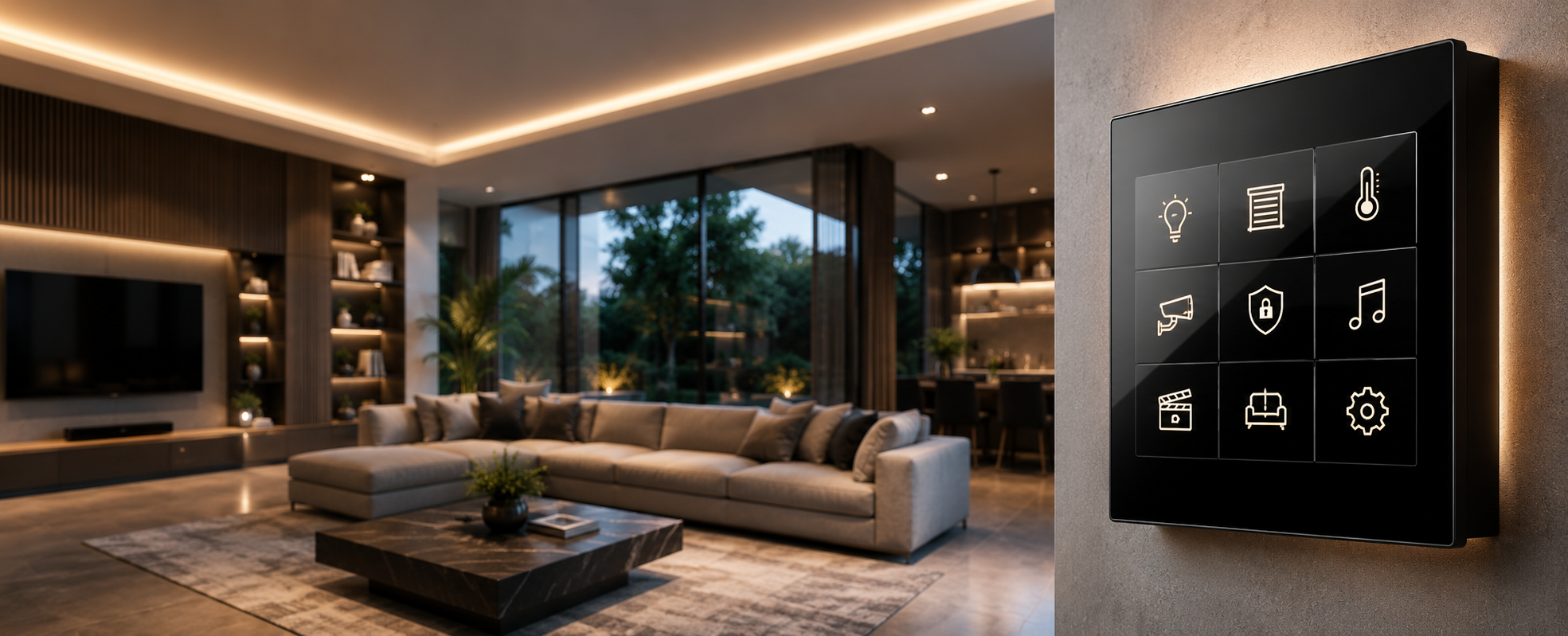
Home automation is a system that controls lighting, climate,
security, and other home functions automatically based on predefined conditions
— for example, lights and AC switching on when you enter a room and shutting
off automatically a set number of minutes after you leave. With rising
purchasing power and more affordable technology, demand for home automation in
India has grown steadily, but the terminology, options, and pricing remain
confusing for most first-time buyers.
This guide covers everything in one place: how home
automation actually works, how it differs from "IoT" and "smart
home" (terms often used interchangeably), honest benefits and drawbacks,
the different types and setup tiers available, real costs in India, and answers
to the questions people ask most — based on what we've seen across residential
and commercial KNX projects at Techvault.
How Do Home Automation Systems Actually Work?
Every home automation system, regardless of brand or
protocol, is built from four components:
- Sensors
— measure conditions like temperature, light levels, or door/window status
- Detectors
— a specific category of sensor designed to identify a particular event,
such as smoke, fire, or motion
- Controller/Hub
— the central unit that processes input from sensors and detectors and
sends commands accordingly
- Actuators
— execute the action, such as switching a light on/off, adjusting a valve,
or moving a motor
Devices connect to this controller and can be managed via
smartphone, voice command, or pre-set rules. In a KNX system, this logic runs
on a dedicated wired bus and is programmed through ETS6 — rather than depending
on a single proprietary hub box, which matters for the "what if my hub
breaks" and "what if my internet goes down" questions covered
later in this guide.
What's the Difference Between IoT, Smart Home, and Home Automation?
These three terms are used almost interchangeably in
marketing, but they describe meaningfully different approaches:
Aspect |
IoT |
Smart Home |
Home Automation (KNX) |
|
Connectivity |
Internet-dependent (WiFi, RF, Bluetooth) |
WiFi, Bluetooth, Zigbee, Z-Wave, Matter |
Local wired bus, independent of internet for core
functions |
|
Control style |
Cloud-based app, accessible from anywhere |
Smartphone app or voice assistant, often brand-specific |
Local controller + app/voice, scene-based logic |
|
Typical examples |
IoT-enabled fridge, connected appliances |
Smart bulbs, smart plugs, smart speakers |
Integrated lighting, climate, security, and AV as one
system |
|
Reliability if internet drops |
Limited or no functionality |
Often limited |
Core functions continue working locally |
|
Need for a "smart hub" |
Often requires a brand-specific hub/bridge |
Sometimes requires a hub, varies by ecosystem |
No single point-of-failure hub — devices share a common
bus |
|
Best suited for |
Tech-savvy users wanting remote device monitoring |
Homeowners wanting quick, app-controlled upgrades |
Homeowners and businesses wanting an integrated, scalable
system |
|
Long-term expandability |
High, but vendor-dependent |
Limited — often brand-specific |
High — open standard, multi-vendor |
In practice, a genuinely complete home automation setup
often uses elements of all three — IoT-style remote monitoring,
smart-home-style individual devices, and a home-automation-style integrated
controller — unified into one platform rather than three disconnected layers.
What Are the Real Benefits of Home Automation?
- Convenience
— automating daily routines (lights on when you open the door after dark)
without manual switching
- Security
— remote door lock control, surveillance monitoring, and alerts for
unusual activity
- Energy
savings — reducing HVAC, lighting, and pump usage by powering off
automatically when not needed
- Increased
property value — automated homes are increasingly viewed as a premium
feature in resale and rental markets
- Remote
monitoring — checking on and controlling your home from elsewhere,
depending on the system's setup
- Accessibility
— for elderly residents or those with mobility challenges, voice and
automated control reduces the physical effort needed to manage lighting,
doors, and appliances
What Are the Honest Drawbacks of Home Automation?
It's worth being direct about the trade-offs, since
marketing often understates them:
- Higher
initial cost: compared to traditional switches and manual controls
- Installation
complexity: professional installation is generally required for
anything beyond basic plug-and-play devices
- Ongoing
maintenance: software updates and occasional hardware servicing
- Internet
dependency: for IoT and many smart-home devices specifically; this is
one practical advantage of a locally-controlled KNX system, which
continues operating core functions without internet
- Compatibility
issues: devices from different manufacturers don't always work
together without proper integration planning
- Learning
curve: those unfamiliar with the system's interface need some time to
get comfortable with it
- Power
dependency: most devices require power to function; battery backup or
manual override options vary by device and should be confirmed during
planning
- Risk
of over-reliance: once a household is used to automation, an
unplanned outage or malfunction can feel more disruptive than it would in
a fully manual home, which is worth factoring into expectations rather
than ignoring
What Are the Different Types of Home Automation Systems?
Type |
How It Works |
Best Suited For |
|
Wired |
Devices connected via dedicated cabling (e.g., KNX bus) |
New construction, long-term reliability |
|
Wireless |
WiFi, Bluetooth, Zigbee, or Z-Wave |
Existing homes, quick retrofits |
|
Hybrid |
Wired backbone with wireless devices added for specific
needs |
Larger homes needing both reliability and flexibility |
|
Cloud-based |
Devices monitored and controlled via internet/cloud
services |
Scalable, multi-location setups, but fully dependent on
connectivity |
Smart Devices or Professional System — How Should You Approach Setup?
There isn't a single "correct" starting point —
the right approach depends on budget, the scale of automation you want, and
whether you're starting fresh or retrofitting:
Approach |
What It Involves |
Benefits |
Trade-offs |
|
DIY |
Motion-activated lights, timer-based switches,
plug-and-play devices |
Low cost, no changes to existing wiring, easy to try |
Limited customisation, minimal integration between devices |
|
Smart device-based |
Individual smart products (lights, locks, speakers, TVs)
via WiFi/Bluetooth, controlled by app or voice assistant |
Easy to add incrementally, works with existing fixtures |
Cost adds up across devices, compatibility between brands
needs checking |
|
Custom/Professional (KNX) |
Dedicated controller and integrated system covering
lighting, climate, security, and AV as one platform |
Predefined scenes, high compatibility, most scalable
long-term |
Higher initial cost, requires professional installation |
For homeowners planning a significant investment, matching
the tier to your actual goal — rather than starting with whichever is cheapest
— avoids the common frustration of outgrowing a basic setup within a year or
two.
What Does Home Automation Cost in India?
Pricing varies significantly by scope, brand, and property
size. As a practical starting framework:
Setup Type |
Approx. Cost Range |
|
Basic DIY (motion lights, smart plugs, timers) |
₹2,000 - ₹15,000 |
|
Smart device-based (lights, locks, speakers across a few
rooms) |
₹25,000 - ₹1,50,000 |
|
Custom KNX system — 2-3BHK |
₹6,00,000 - ₹20,00,000 |
|
Custom KNX system — Villa/4BHK+ |
₹18,00,000 - ₹35,00,000+ |
For a detailed breakdown by project scope, see our completehome automation solution cost guide. Several providers advertise low
entry-level pricing for basic packages — it's worth checking exactly what's
included (installation, app integration, ongoing support) before comparing
quotes directly, since basic and fully-integrated systems aren't a like-for-like
comparison.
A Real Example: Matching the Right Tier to the Actual Goal
A homeowner in Sector 137, Noida initially considered a
smart-device-based setup — individual WiFi bulbs and a smart lock — before
discussing their actual goals with our team. They wanted coordinated morning,
away, and evening routines across the whole apartment, not just individual
device control. We moved them to a KNX-based scene system instead, covered in
more detail in our day-in-the-life
automation benefits guide. The lesson: matching the system tier to the
actual goal mattered more than the initial budget assumption.
How Do You Choose a Home Automation Provider in India?
With many companies offering automation products and
services in India, comparing providers properly matters more than picking the
first one you find. At minimum, check:
- Established
service history and a real portfolio of completed projects
- Whether
they're KNX-certified (for integrated/professional systems) — see our detailed
certification checklist
- Whether
they offer a site visit, demo, or experience centre to see the system in
action before committing
- Clear,
itemised quotes rather than vague hardware-only pricing
FAQs
What are the ideal smart home devices to get started with?
Smart bulbs, smart plugs, and a smart speaker are a common,
low-cost entry point for testing the concept before committing to a larger
system.
What wiring do I need for a smart home?
It depends on the approach. Wireless and smart-device setups
generally use existing wiring. A wired KNX system uses dedicated bus cabling,
which is easiest to plan during new construction but can also be added to
existing homes using wireless KNX modules where running new cable isn't
practical.
How do I know which devices are compatible with each other?
Check the communication protocol each device uses (WiFi,
Zigbee, Z-Wave, Matter, or KNX). Devices on the same protocol generally work
together; mixing protocols usually requires a gateway or hub designed to bridge
them — this is worth confirming before purchasing devices separately.
Is home automation expensive, and how much does it cost?
It ranges widely — from a few thousand rupees for basic DIY
devices to several lakhs for a fully integrated KNX system in a villa. See the
cost table above for a practical breakdown by setup type and home size.
Will home automation add value to my home?
A professionally installed, well-documented system
(particularly one using an open standard like KNX, where the programming file
can be handed over) is generally viewed as a more durable value-add than a
collection of disconnected smart gadgets, which buyers may see as something to
replace rather than inherit.
Do I need a smart hub for home automation?
It depends on the system type. Many smart-device ecosystems
require a dedicated hub or bridge, which becomes a single point of dependency.
A KNX system doesn't rely on one central hub in the same way — devices
communicate over a shared bus, so there's no single hub whose failure affects
the whole system.
Is home automation difficult to set up?
Basic DIY devices are largely plug-and-play. Smart-device
ecosystems require checking compatibility and some app configuration. A
professional KNX system requires certified installation and programming, but
this complexity is handled by the integrator, not the homeowner.
Can I integrate different brands of devices into one system?
This depends heavily on the protocol. KNX is specifically
designed as a multi-vendor open standard, so devices from many different
certified manufacturers can work together on the same bus — this is a core
advantage compared to closed, single-brand smart-home ecosystems.
Can home automation be retrofitted into an existing Indian home?
Yes. Wireless smart devices retrofit easily into existing
switch boxes. Wireless KNX modules also allow a KNX-based system to be added to
a finished home without running new bus cable through every room, though a site
assessment is needed to confirm the best approach for a specific layout.
Can I automate my home security system as part of this?
Yes — door locks, motion sensors, CCTV, and alarms can all
be integrated into the same automation system rather than operating as a
separate setup, which allows coordinated responses (for example, lights and
locks reacting together to a security trigger).
How can I make my home more energy-efficient with automation?
Occupancy-based lighting and climate control, scheduled
automation that avoids running systems in empty rooms, and energy monitoring
dashboards are the main levers — covered in more detail in our guide on how
home automation supports energy efficiency.
What happens to my home automation system if the internet goes down?
This depends entirely on the system type. Cloud-dependent
smart devices typically stop responding to remote commands during an outage. A
KNX system's core functions — scheduled lighting, climate control,
locally-programmed scenes — continue operating normally, since they don't rely
on an internet connection; only voice assistant commands and remote app access
would be affected.
Ready to Plan Your Smart Home?
Whether you're starting with a basic setup or planning a fully integrated KNX system, the right fit depends on your specific home and goals — not a one-size-fits-all package. Talk to our automation experts for a free consultation, or explore our home automation services to see what a complete system could look like for your space.