

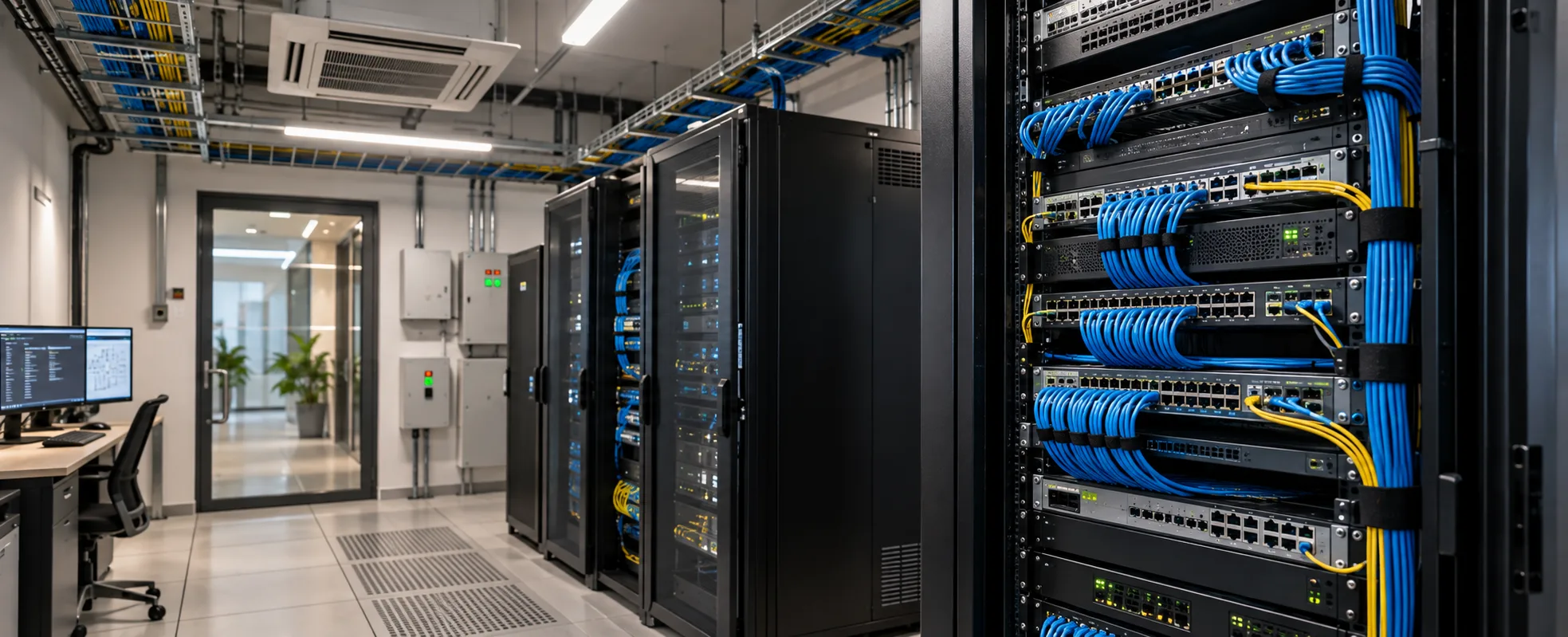
Network management covers the design, monitoring, and ongoing administration of the network a building runs on - the structured cabling, the switches, the access points, and the segmentation that keeps different systems from interfering with each other.
It gets underspecified more often than any other building service, and for a consistent reason: it's the one system nobody sees until it fails, and when it does fail, the symptom usually shows up somewhere else. Cameras dropping out, a BMS losing contact with a floor, meeting room video freezing - these are reported as camera problems, BMS problems, and AV problems. Often they're one network problem.
What Runs on the Network Now?
More than most specifications account for.
| System | What it needs from the network |
|---|---|
| Surveillance | Sustained bandwidth per camera, continuous, all day |
| Access control | Low bandwidth, but must not drop |
| Building automation | Controller and panel communication, monitoring data |
| AV and conferencing | High bandwidth in bursts, sensitive to latency |
| Digital signage | Content delivery, scheduled |
| Wireless for occupants | The most visible, and usually the only one anyone plans for |
| HVAC and metering | Low bandwidth, continuous reporting |
The pattern worth noticing: only one of these is what people mean when they say "the office WiFi", and it's rarely the one that causes trouble.
Why Does It Get Underspecified?
Three reasons, and they compound.
It's invisible. Cabling goes into ceilings and risers before anything else is installed. By the time the building is occupied, nobody can see what was put in.
It's specified against today's device count. A building fitted out for the systems it has on day one has no headroom for the cameras, sensors, and access points added in year three.
Responsibility is split. The IT vendor handles the office network. The security vendor handles cameras. The AV vendor handles conferencing. The automation contractor handles the BMS. Each assumes the others have planned for themselves, and nobody owns the whole.
That last one is the root of most of it. Our guide to building automation systems covers the same coordination problem on the controls side.
What Does Network Management Actually Cover?
Structured cabling. The physical layer — cable runs from floor distribution points to every outlet and device position, terminated and tested. This is the part that cannot be changed later without opening ceilings, so it is the part that most needs headroom.
Active equipment. Switches at each distribution point, and the uplinks between them. Switch capacity, port count, and power delivery all have to match what connects to them.
Wireless coverage. Access point placement based on the actual floor plate and what it's built from, not an assumed grid. Plasterboard and glass behave very differently from RCC cores and lift shafts.
Segmentation. Keeping systems on separate network segments so surveillance traffic doesn't affect video calls, and so a compromised device on one segment can't reach another. This is both a performance and a security requirement.
Monitoring. Visibility into what the network is doing — which links are saturated, which devices have dropped, where errors are accumulating. Without it, faults get diagnosed by guesswork.
Administration. Configuration changes, firmware, capacity review, and adding devices as the building fills.
Why Segmentation Matters More Than People Expect
Worth explaining because it's the part that gets skipped when budgets tighten.
Performance. Surveillance cameras produce continuous traffic all day. If that shares a segment with conferencing, video calls degrade at exactly the times the building is busiest. Separating them is the fix, and it costs configuration rather than hardware.
Security. Building devices — cameras, controllers, sensors — are frequently the weakest endpoints on any network. They run embedded software, get updated rarely, and often ship with default credentials. On a flat network, a compromised camera sits on the same segment as everything else.
Troubleshooting. On a segmented network, a fault is contained and locatable. On a flat one, a single misbehaving device can affect everything, and finding it takes far longer.
What Should Be Planned Before Fit-Out?
The decisions that close once ceilings and risers are finished.
Cable routes and riser space. Vertical routes between floors and horizontal routes across each floor, with space to add later.
Distribution point locations. Rooms or cabinets with power, ventilation, and access. Undersized or unventilated communication rooms are one of the more common and least reversible mistakes.
Outlet positions and count. More than the current device count, because devices get added and running a new cable to a finished ceiling is disproportionately expensive.
Power delivery over the network. Cameras, access points, some sensors, and some controllers draw power over the data cable. The switch has to be able to supply it, and the total draw across a switch is what determines its capacity - this needs calculating against the actual device schedule rather than estimated.
Segmentation plan. Which systems sit on which segments, agreed between the vendors who will use them, before anything is configured.
Who owns it after handover. The most commonly unanswered question, and the one that determines whether the network is maintained or just left running.
Our guide to home networking covers the equivalent decisions at residential scale.
How Does This Differ from Home Networking?
Both matter, but the design drivers are different.
| Residential | Commercial | |
|---|---|---|
| Scale | One distribution point | Multiple, per floor or zone |
| Users | A household | Hundreds, changing |
| Device count | Tens | Hundreds to thousands |
| Segmentation | Useful | Essential |
| Monitoring | Rarely needed | Required to operate |
| Who maintains it | The integrator, occasionally | Named responsibility, ongoing |
| Failure impact | Inconvenience | Systems across the building stop |
The practical difference is that a commercial network is operated, not just installed. Somebody has to watch it, add to it, and fix it, continuously.
Where Does This Sit with Building Automation?
Closely, and increasingly so.
A modern building's automation, surveillance, access control, and AV all depend on the same physical infrastructure. When those are designed together, cable routes get shared, segmentation is planned once, and the device schedule is known before switches are specified.
When they're designed separately - which is the norm - each vendor plans their own cabling, nobody sizes the switches against the full load, and the segmentation gets decided on site by whoever arrives last.
We handle networking alongside building automation and security and access control, which means the device schedule is known when the network is designed rather than discovered afterwards.
What Does It Cost?
| Scope | Approx. Cost |
|---|---|
| Small office, under ~5,000 sq ft | ₹3,00,000 – ₹12,00,000 |
| Mid-size office, 5,000–25,000 sq ft | ₹12,00,000 – ₹50,00,000 |
| Large floor plate or multi-floor | ₹50,00,000 – ₹2,00,00,000+ |
| Hotel, per room plus common areas | ₹8,000 – ₹30,000 per room |
| Ongoing management contract | ₹50,000 – ₹5,00,000 per year |
Indicative planning ranges covering structured cabling, active equipment, wireless, and commissioning. Cost scales with outlet count and floor area more than anything else. A real figure requires a device schedule and floor plans.
The figure that moves most: outlet count. A building specified with generous outlet provision costs more upfront and considerably less over its life, because adding cable to a finished ceiling is the expensive path.
Can an Occupied Building Be Upgraded?
Yes, and most commercial network work in India is an upgrade rather than a new build - because buildings fill up with devices faster than their networks were designed for.
What makes it harder: work has to happen around occupancy, usually out of hours or floor by floor. Existing cable may or may not be usable, and that's determined by testing rather than by looking at it.
What's usually worth doing first: the switches and segmentation, because both can be improved without touching cabling. Recabling is the disruptive part, and often only some of it is actually necessary.
A survey establishes which. Replacing everything is rarely the right answer.
FAQs
What is network management?
The design, monitoring, and ongoing administration of a building's network - structured cabling, switches, wireless coverage, segmentation between systems, and the monitoring that shows what the network is doing. It covers both the initial installation and keeping it running.
Why do camera and AV problems often turn out to be network problems?
Because surveillance, access control, building automation, and conferencing all run on the same infrastructure. When that infrastructure is saturated or badly segmented, the symptom appears in whichever system is most sensitive - usually video. The fault gets reported as a camera or AV problem when the cause is shared.
What is network segmentation and why does it matter?
Separating systems onto different network segments. It matters for performance, because continuous surveillance traffic otherwise degrades latency-sensitive traffic like video calls. It matters for security, because building devices are frequently the weakest endpoints and shouldn't sit alongside everything else.
What should be planned before fit-out?
Cable routes and riser space, distribution point locations with power and ventilation, outlet positions with headroom beyond current needs, power delivery capacity at the switches, the segmentation plan, and who owns the network after handover.
What does network management cost for a commercial building?
Roughly ₹3,00,000 to ₹12,00,000 for a small office and ₹12,00,000 to ₹50,00,000 for a mid-size one, scaling with outlet count and area. Ongoing management contracts typically run ₹50,000 to ₹5,00,000 a year depending on scale.
Can the network be upgraded while the building is occupied?
Yes, and most commercial network work is an upgrade rather than a new build. It's done out of hours or floor by floor. Switches and segmentation can often be improved without touching cabling — recabling is the disruptive part, and a survey establishes how much is actually needed.
Who should own the network after handover?
Someone named, with a defined scope. This is the most commonly unanswered question in a fit-out and the one that determines whether the network is maintained or simply left running until something breaks.
Planning a Fit-Out?
Network decisions get made early and close quickly. Cable routes, riser space and outlet provision are all settled before ceilings go up, and the cost of getting them wrong lands years later.
Talk to our team for a site assessment, or explore our network management, building automation and office automation services.