

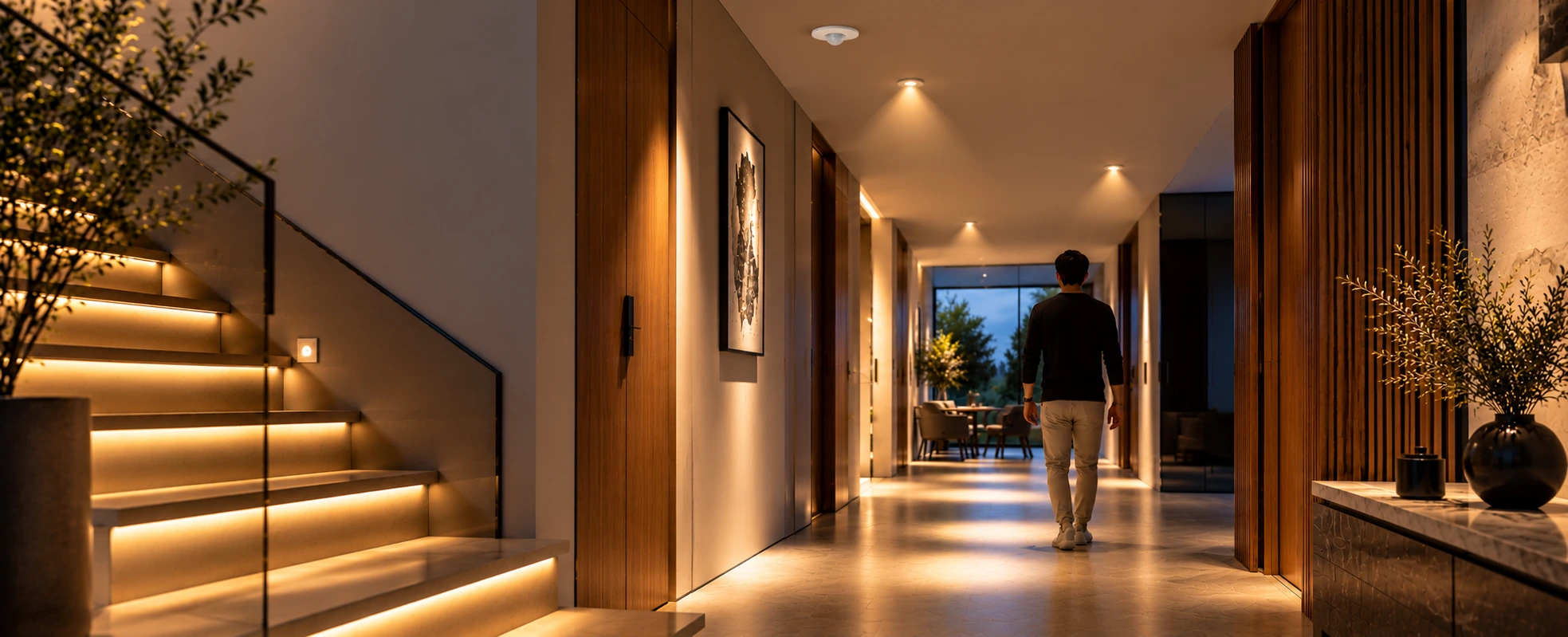
The best motion sensor lighting for a modern space is lighting that comes on only when needed and gets out of the way when it is not - using the right sensor (occupancy or vacancy), placed correctly, with sensible timing, and ideally integrated into the wider lighting system on a standard like KNX or DALI so it can dim, set scenes, and respond to daylight rather than just switch fully on and off. The "solution" is less about a single product and more about choosing and designing it well for each space.
Motion sensor lighting is one of the most satisfying details in a well-designed home or building: walk into a corridor, and it lights your way; leave, and it quietly switches off. Done well, it adds convenience, safety, and real energy savings. Done carelessly, it is the light that snaps off while you are still in the room. This guide covers the solutions that work - for modern homes and modern commercial spaces alike.
For the broader topic of motion sensors across a smart home - including security and automation uses - see our complete guide to smart motion sensors. This article focuses specifically on lighting.
What Motion Sensor Lighting Does?
At its simplest, motion sensor lighting replaces a manual switch with automatic control: a sensor detects movement or presence, and the light responds. But in a modern, integrated space, it does much more than on and off — it can bring lights up to a set level, trigger a scene, dim rather than blaze, and work only when natural light is low. The difference between a cheap sensor-switch and a well-designed solution is exactly this range of behaviour. For how lighting control fits into a smart home generally, our smart lighting automation guide is a good companion read.
Occupancy vs Vacancy Sensing: Which to Use Where
This is the single most useful distinction, and getting it right is most of the battle.
- Occupancy sensing turns lights on automatically when you arrive and off after you leave — completely hands-free. It is ideal where your hands are often full or where you want light the moment you enter: corridors, utility areas, entrances, parking.
- Vacancy sensing does not switch on by itself — you turn the light on manually, and it only switches off automatically once the space is empty. This avoids lights coming on needlessly in daylight and is often the more energy-efficient choice for rooms you enter deliberately.
A good design uses each where it belongs, rather than applying one mode everywhere.
Types of Motion Sensors Used for Lighting
A few sensor technologies are common, each with strengths:
- PIR (passive infrared) — detects body heat in motion; reliable, widely used, best with a clear line of sight.
- Microwave/radar — more sensitive and can detect through thin materials; good for larger or partitioned areas.
- Dual-technology — combines PIR and microwave to reduce false triggers, used where accuracy matters.
- Ultrasonic — detects movement via sound-wave reflection, useful where line of sight is limited.
Choosing the right type for each space is part of the design, not an afterthought — our complete motion sensor guide covers the sensor technologies in more depth.
Where Motion Sensor Lighting Works Best in Modern Spaces?
In modern homes: corridors and landings, staircases, wardrobes and walk-in closets, utility and laundry rooms, bathrooms, basements, stores and entrances — anywhere light is needed briefly or hands-free. Our residential lighting design guide shows how this fits into a complete lighting plan.
In modern commercial and shared spaces: office corridors and cabins, washrooms, stairwells, parking, lobbies and common areas, where lights left on in empty spaces are a constant, avoidable cost. This is standard practice in well-run buildings, and it ties into commercial lighting management as covered in our guide to BMS lighting control for commercial buildings.
Where it is usually not the right fit, on its own, is a space where people sit still for long periods — unless the sensor and timing are chosen carefully, or vacancy mode is used, so the light does not switch off on someone who has stopped moving.
Energy Efficiency and Daylight Harvesting
The clearest benefit of motion lighting is that lights are on only when a space is in use — which removes the waste of lights left burning in empty rooms, especially in transient and shared areas.
The efficiency goes further when you add daylight harvesting: sensors that measure available natural light so artificial light only comes on, or only comes up as far as needed, when daylight is insufficient. Combined with dimming rather than simple on/off, a modern space can hold the right light level while using as little energy as possible. For how lighting costs and value work overall, see our lighting automation cost guide.
Designing It Right: Getting the Best Results
Most complaints about motion lighting come down to design, not the sensor itself. The things that make the difference:
- Right sensor for the space — type, detection range, and field of view matched to the room.
- Correct placement — where the sensor can actually detect people in the way they use the space, including when seated or still.
- Sensible timing — a time-out long enough to avoid nuisance switch-offs, short enough to save energy.
- Dimming, not just switching — so lights ease up and down rather than snapping, which feels better and lasts longer.
- Daylight awareness — so lights do not come on in bright daylight.
This is why a professionally designed solution consistently beats a DIY sensor-switch: the behaviour is tuned to the space.
Integrating Motion Lighting into a Smart Home or Building
The best results come when motion and presence sensing are part of the wider lighting system rather than isolated switches.
On an open standard like KNX, and with a lighting-control protocol like DALI, a sensor can do far more than toggle a light: it can trigger a scene, set a specific dim level, respond to daylight, and coordinate with the rest of the home or building. That integration — motion lighting as one layer of a designed system — is what separates a modern space from a house with a few sensor lights. Explore the approach on our lighting automation and automation pages.
How Techvault Approaches Motion Sensor Lighting?
TechVault designs motion and occupancy lighting as part of a complete lighting plan, not as isolated add-ons. That means choosing the right sensor type and mode for each space, planning placement and timing so the lighting feels natural, integrating it on KNX/DALI so it can dim and set scenes, and adding daylight awareness for efficiency — then commissioning it so it simply works.
If you want lighting that responds to how a space is used — convenient, efficient and beautifully behaved — that starts with good design. Book a consultation to plan motion and occupancy lighting for your home or space.
FAQs
What is motion sensor lighting?
Motion sensor lighting is lighting that switches on (and off) automatically based on whether a space is occupied, using sensors that detect movement or presence. Instead of a manual switch, the light responds to you entering or leaving — useful for convenience, safety, and energy saving. In a smart home, it goes further, letting lights dim, set scenes, or respond to daylight rather than simply turning fully on or off.
What is the difference between an occupancy sensor and a vacancy sensor?
An occupancy sensor turns lights ON automatically when it detects you, and off after you leave — fully hands-free, ideal for corridors, utility areas and spaces where your hands are full. A vacancy sensor does not switch on automatically; you turn the light on manually, and it only switches OFF automatically once the space is empty. Vacancy mode avoids lights coming on in daylight and is often the more energy-efficient choice for rooms used deliberately.
Where should motion sensor lighting be used in a modern home or space?
It works best where lighting is needed briefly or hands-free: corridors, staircases, wardrobes and walk-in closets, utility and laundry areas, bathrooms, basements and entrances in homes; and corridors, washrooms, parking, stairwells and common areas in offices and modern commercial spaces. It is usually not the right choice for rooms where you sit still for long periods, where a well-set sensor or vacancy mode is needed to avoid lights switching off.
Does motion sensor lighting save energy?
Yes — because lights are only on when a space is actually in use, motion and occupancy sensing cuts the energy wasted by lights left on in empty rooms. The savings are greatest in transient and shared spaces. Combined with daylight sensing (so lights only come on when natural light is insufficient) and dimming, the efficiency gains are larger still.
Why do motion sensor lights sometimes switch off while you're still there?
Usually because of poor sensor choice, placement, or timing — a sensor positioned where it cannot "see" you when you are still, or a time-out set too short. This is exactly why professional design matters: the right sensor type, correct placement, and sensible timing settings prevent both nuisance switch-offs and lights staying on unnecessarily.
Can motion sensor lighting be integrated into a smart home system?
Yes. On an open standard like KNX, and with a lighting control protocol like DALI, motion and presence sensing becomes part of the whole lighting system — triggering scenes, dimming to set levels, responding to daylight and coordinating with other automation. That is far more capable than a standalone sensor-switch, and it is how modern integrated spaces handle lighting.