

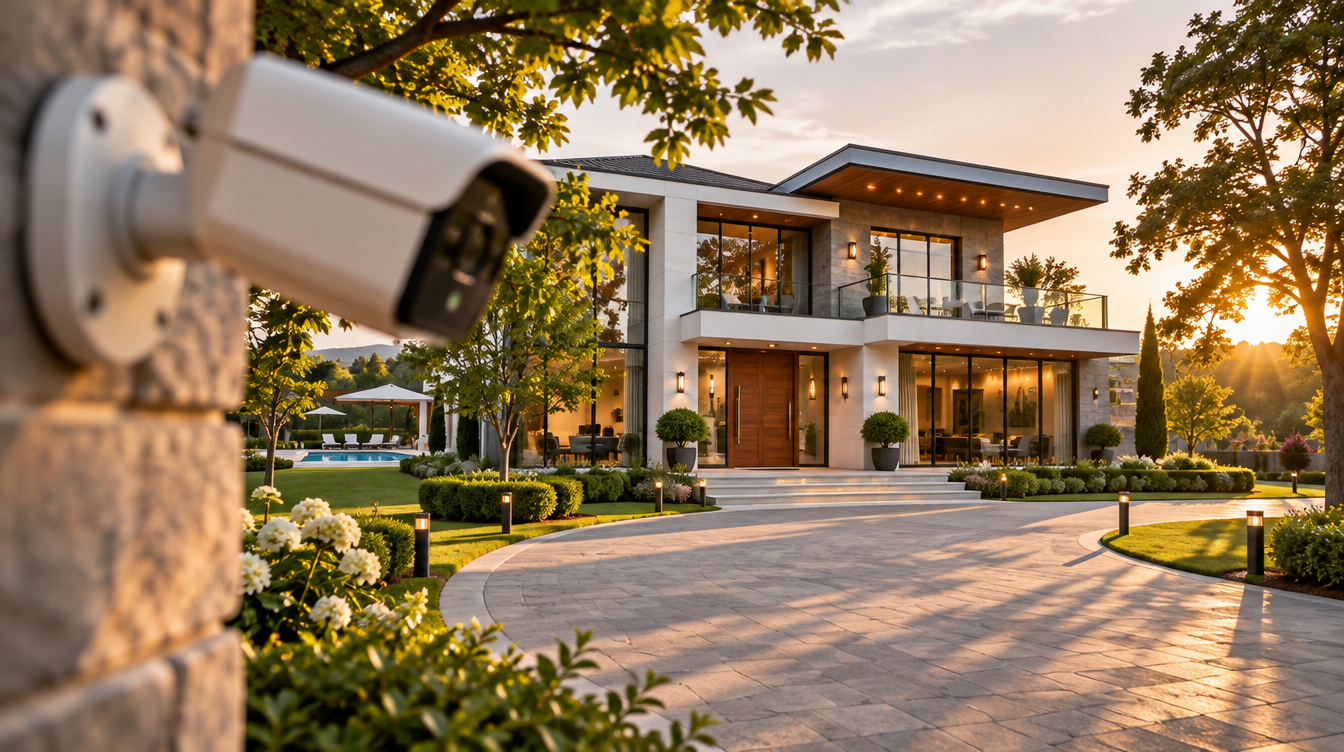
Most Indian homes need four to eight cameras, not the sixteen a quotation usually proposes. Cover the approaches - main gate, main door, driveway, rear or service entrance, and the perimeter — because the point of a camera is to show you how someone arrived, not to watch your living room. Two decisions matter more than the camera model: where footage is stored and how long it is kept. Footage that identifies people is personal data under India's DPDP framework, so where it lives is now a legal question as well as a practical one.
The Quotation Problem
Almost every CCTV quotation an Indian homeowner receives is built around one number: how many cameras.
Sixteen cameras sounds thorough. It is usually the wrong system. Sixteen mediocre cameras pointed at the wrong things, recording over themselves every four days, viewed by nobody, is worse than five well-placed ones with thirty days of retention and a clear view of every way into the property.
This guide covers the decisions that actually determine whether your CCTV is useful: how many cameras and where, what resolution genuinely buys you, where footage is stored, how long it survives, and the privacy questions that now have a legal dimension in India.
How Many CCTV Cameras Does a Home Need?
Start from entry points, not from room count.
Someone has to get onto the property and then into the house. Cameras that cover those transitions are worth more than cameras that cover interiors, because by the time an intruder is inside, the camera is recording an event rather than preventing one.
| Property | Typical camera count | Priority coverage |
|---|---|---|
| 2–3 BHK apartment | 2–4 | Main door, lift lobby approach, balcony or utility door |
| 3–4 BHK independent floor | 4–6 | Main gate, main door, stairwell, rear access, parking |
| Villa or bungalow | 6–10 | Gate, driveway, main door, each side of the perimeter, rear service door, terrace access |
| Farmhouse or large plot | 10–16 | Perimeter at intervals, gate, outbuildings, approach road |
The rule we work to: every route onto the property gets a camera before any room inside does. A boundary wall that can be climbed from a neighbour's terrace is a route. A service gate that is propped open during the day is a route.
Where Should Cameras Actually Be Placed?
Placement decides whether footage is evidence or just video.
Face height at entry points. The single most common failure. A camera mounted high under the eaves, looking down, records the top of a head and a pair of shoulders. Useless for identification. At the main gate and main door, mount at a height where the camera sees faces — roughly head height on the approach — and accept that it is more vulnerable to tampering in exchange for footage that identifies someone.
Shoot away from the light, not into it. A camera facing a bright gate opening at midday will render everyone as a silhouette. In Indian conditions this is a daily problem, not an edge case. Either reposition, or specify a camera with strong wide-dynamic-range performance and verify it on site at the worst hour.
Cover the camera that covers the door. If a single camera covers the entrance and someone disables it, you have nothing. One camera should see the approach to another.
Mind the overhang. Cameras tucked under a deep chajja or balcony are protected from rain but can end up with half the frame filled by the underside of the slab.
Avoid pointing into neighbours' windows or the public street beyond your boundary. Partly courtesy, increasingly compliance — covered below.
Does Higher Resolution Mean Better Footage?
Up to a point, and then it stops being the limiting factor.
Resolution is usually quoted as 2MP (1080p), 4MP, 5MP or 8MP (4K). More pixels across a given scene means more detail to zoom into, which matters for reading a number plate or identifying a face at distance.
But three things routinely limit footage before resolution does:
Light. An 8MP camera in poor light produces a worse image than a 4MP camera with a better sensor and sensible infrared. Most incidents happen at night. Judge night performance, not the megapixel figure.
Compression and bitrate. Footage is compressed to fit on the recorder. A high-resolution camera starved of bitrate produces a smeary image in motion — exactly when you need it. Ask what bitrate each camera is configured at, not just its resolution.
Lens and distance. A wide-angle lens covering a whole driveway gives you a small face at the gate. Two cameras with appropriate lenses beat one wide camera trying to do both jobs.
The practical position: 4MP with good low-light performance and adequate bitrate, correctly placed, outperforms 8MP badly configured. Spend the difference on placement and storage.
NVR or Cloud - Where Should Footage Be Stored?
The decision most quotations skip, and the one that determines whether footage exists when you need it.
| Local NVR | Cloud | |
|---|---|---|
| Where it lives | A recorder in your home | A provider's servers |
| Running cost | None after purchase | Monthly subscription |
| Survives internet outage | Yes — keeps recording | Usually no, or buffers only |
| Survives the recorder being stolen | No | Yes |
| Retention | Limited by disk size | Limited by plan |
| Data location | Your property | Possibly outside India |
Neither is simply better. The failure modes are opposite: a local NVR is vulnerable to someone walking out with it, and cloud is vulnerable to your broadband.
What we specify most often is both — local recording for continuity and full retention, with clips or events pushed to cloud so that a stolen recorder does not take the evidence with it. For a property that sits empty for long stretches, that redundancy matters more than for an occupied home.
Two practical points. Put the NVR somewhere not obvious and not next to the front door — a utility cupboard or a locked rack, not the TV console. And put the recorder and the router on inverter backup, or a power cut becomes a recording gap, which we cover in home automation during power cuts.
How Long Should Footage Be Kept?
Longer than most homeowners expect, because problems are often discovered late.
A package that went missing, a staff member's behaviour, a neighbour dispute, a vehicle scrape — these frequently surface days or weeks afterwards. A system that retains four days is no help.
Retention is a straightforward trade: number of cameras × resolution and bitrate × hours recorded per day × days of retention = storage required. Two settings change the answer dramatically:
Continuous versus motion-triggered recording. Motion recording extends retention substantially, but it misses the beginning of events and can be fooled by rain, insects at night, and foliage. We generally specify continuous recording on entry points and motion elsewhere.
Codec. Newer compression standards store the same footage in meaningfully less space than older ones, which converts directly into more retention days on the same disk. Ask which the recorder uses.
Decide the retention you want first — thirty days is a reasonable target for a home — then size the disk for it. Doing it the other way round is why so many systems overwrite within a week.
Do Privacy Rules Apply to Home CCTV in India?
This has changed, and it is worth understanding even for a domestic system.
India's Digital Personal Data Protection Act, 2023 is supported by the Digital Personal Data Protection Rules, 2025, notified by the Ministry of Electronics and Information Technology on 14 November 2025. Footage that identifies individuals is personal data.
Purely personal or domestic use sits differently from commercial use, and whether and how obligations attach to a private household is exactly the kind of question that needs legal advice rather than a blog — we are an integrator, not a law firm. What we can tell you is where homeowners create problems for themselves, regardless of the legal position:
Cameras pointed beyond your boundary. A camera covering the public road, a neighbour's gate or their windows is the most common source of disputes, and the hardest to defend. Frame to your own property.
Indoor cameras and domestic staff. Cameras inside the home record people who work there, every day. Tell them, in plain terms, where cameras are and what is recorded. Most objections come from discovery, not from the camera itself.
Bedrooms and bathrooms. We decline to install cameras in these spaces. There is no version of this we are willing to specify.
Children's rooms. Parents ask for this regularly and the honest answer is to think about it as the child grows. A monitor for an infant is not the same as a camera in a twelve-year-old's bedroom. We would rather raise it than silently install it, which is the same position we take in our kids' room automation guidance.
Where cloud footage is stored. If your provider hosts outside India, that is worth knowing. The DPDP framework sets conditions on transfers of personal data outside the country.
Who can view the app. Every family member and every former employee with the app installed is someone who can watch your home. Audit the user list annually and remove people who have left.
What Goes Wrong After Installation
Five things, in the order we encounter them.
Nobody checks that it is recording. A camera fails, or a disk fills, and it is discovered only when footage is needed. Set a reminder to spot-check monthly. Good systems alert on camera loss; ask whether yours does.
Spiders and insects at night. Infrared attracts insects, insects trigger motion recording, and the disk fills with footage of nothing. A real and extremely common Indian problem. Mounting position and sensitivity tuning fix most of it.
Monsoon ingress. Cameras are weather-rated, but cable entry points and junction boxes often are not. Water tracks down the cable into the housing. Correct glanding at installation prevents it; this is a workmanship issue rather than a product one.
The password was never changed. Default credentials on a recorder exposed to the internet is the most serious security mistake in this entire category — it turns your camera system into someone else's. Change defaults, and do not port-forward the recorder to make the app work. A properly configured system does not need it.
Cameras on the same flat network as everything else. Cameras belong on their own network segment. Our home networking guide covers why.
Should CCTV Connect to Home Automation?
It can, and the useful version is simpler than it sounds.
Cameras do not need to be controlled by the automation system. What helps is the two sharing events: outdoor lighting rising to full when motion is detected after dark, an alert if the gate camera sees movement while the house is in "away" mode, or a video door phone call that also brings up the gate camera view.
The lighting link is the one with real deterrent value, and it is the easiest to implement. Everything else is convenience.
For the wider picture of security as part of an automated home, see our guide to smart home security and burglar alarm systems.
What Does Home CCTV Cost in India?
Indicative planning ranges, not quotations. Confirm current pricing for specific models.
| System | Scope | Indicative range |
|---|---|---|
| Apartment, 2–4 cameras | Cameras, small NVR, cabling, installation | ₹25,000 – ₹70,000 |
| Independent floor, 4–6 cameras | Cameras, NVR with larger disk, PoE switch | ₹60,000 – ₹1,50,000 |
| Villa, 6–10 cameras | Mixed lens types, 30-day retention, backup power | ₹1,50,000 – ₹4,00,000 |
| Farmhouse or large plot | Perimeter coverage, long cable runs, cloud redundancy | ₹3,00,000 – ₹10,00,000+ |
Two line items routinely missing from cheap quotations: adequate disk capacity for the retention you actually want, and proper cabling with weatherproofed terminations. Both are where corners get cut, and both are what fail first.
FAQs
How many CCTV cameras does a home need?
Fewer than most quotations propose. An apartment typically needs two to four, an independent floor four to six, and a villa six to ten. Count routes onto the property rather than rooms — gate, main door, driveway, rear or service entrance, perimeter. Every way in should be covered before any interior space is.
Is NVR or cloud storage better for home CCTV?
They fail in opposite ways. A local NVR keeps recording through an internet outage but can be stolen along with the footage. Cloud survives theft but depends on your broadband. For most homes we specify both — local recording for continuity and full retention, with events pushed to cloud so a stolen recorder does not take the evidence with it.
How long should CCTV footage be kept?
Around thirty days is a sensible target for a home, because incidents are often discovered days or weeks later. Retention depends on camera count, resolution, bitrate and whether recording is continuous or motion-triggered. Decide the retention you want first, then size the disk for it — most systems overwrite within a week because it was done the other way round.
Is 4K CCTV worth it over 1080p?
Only if the other limits are solved first. Low-light performance, bitrate and lens choice usually cap image quality before resolution does, and most incidents happen at night. A 4MP camera with good low-light performance, enough bitrate and correct placement will outperform an 8MP camera that is badly configured.
Can I point a CCTV camera at the road outside my house?
It is the most common cause of neighbour disputes and the hardest position to defend. Frame cameras to your own property. Footage identifying individuals is personal data under India's DPDP framework, and the DPDP Rules 2025 were notified on 14 November 2025 — how obligations apply to a private household is a question for legal advice rather than an integrator.
Why does my CCTV footage look bad at night?
Usually infrared and sensor quality rather than resolution, often made worse by a camera facing a light source or mounted where the infrared bounces off a nearby wall or overhang. Insects attracted to infrared also trigger constant motion recording. All three are placement and specification problems, not reasons to buy more megapixels.
Planning CCTV for Your Home?
Camera count is the least important decision. Coverage, placement, storage and retention are what make footage useful. Our team surveys the property, maps the approaches, and specifies to the retention you actually want.
Talk to our team, or explore our security and surveillance and digital locks services.