

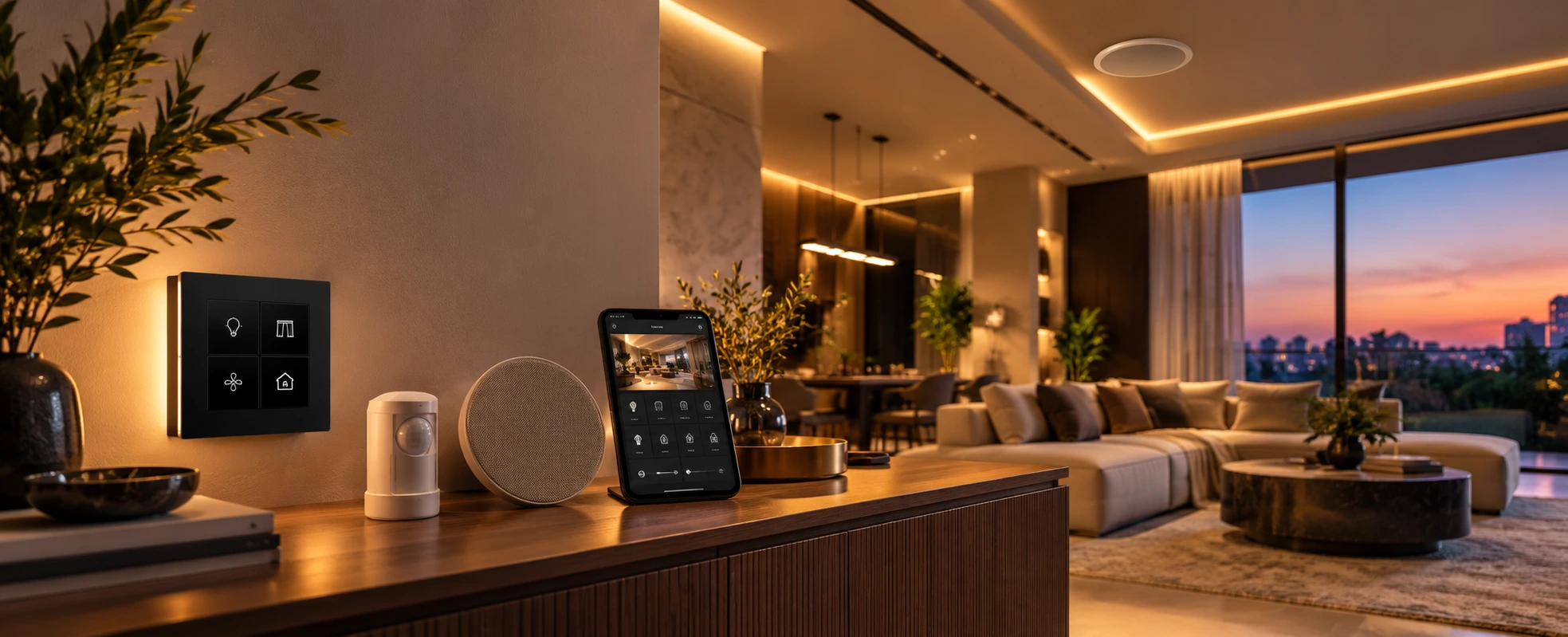
Yes, you can make an existing home smart — and in most cases without breaking walls. Modern smart devices are largely wireless or retrofit-friendly: smart switches that fit existing boxes, wireless curtain and blind motors, smart locks, cameras, sensors and climate controls, all tied together by a hub or app. For a whole-home upgrade, wireless automation standards like KNX RF make deeper retrofits possible too. Start with the area that improves daily life most, choose devices that work together, and bring in a professional once more than a couple of rooms are involved.
One of the most common questions we hear is: "My home is already built — is it too late to make it smart?" The happy answer is no. You do not need a new house, and you rarely need to tear open walls. This guide walks through what you can retrofit, how to approach it room by room, and when to do it yourself versus bringing in a professional.
If you already have some automation and want to extend it, that is a different job — see our guide to upgrading an existing home automation system. This article is for making a home with no automation smart.
Can You Make an Existing Home Smart?
Yes — and more easily than most people expect. A decade ago, a smart home largely meant wiring decisions made during construction. Today, a large share of what makes a home smart can be added afterwards, because so many devices are wireless or designed to fit existing fittings.
That means a finished apartment or an older house can gain smart lighting, security, climate control and more without a renovation. The question is less "can I?" and more "what should I add, and in what order?"
What You Can Add Without Breaking Walls
Here is what retrofits most easily into an existing home:
- Smart lighting and smart switches — smart switches fit into existing switch boxes, and smart bulbs need no wiring at all; our complete guide to smart switches covers the options.
- Motorised curtains and blinds — wireless curtain and blind motors retrofit onto existing tracks in many cases.
- Smart locks and video door phones — smart locks replace existing locks directly for keyless, managed entry.
- Security cameras and sensors — cameras and motion sensors are largely wireless and easy to add.
- Smart climate control — smart controllers for AC and fans bring comfort and efficiency without rewiring.
- A hub, app or voice layer — to tie it together into one place to control, rather than a separate app per device.
You can begin with any one of these and grow from there.
Wireless vs Wired for a Retrofit
This is the key decision for an existing home. Wireless is usually the practical choice for a finished home, because it avoids civil work — you add devices that talk over Wi-Fi or a wireless protocol. Wired systems are more reliable and scalable, but are cleanest to install during construction or a renovation.
If you happen to be renovating, it is worth running some cabling while walls are open. If not, modern wireless solutions can deliver a great deal — including wireless KNX (KNX RF), which brings the reliability of the KNX standard to retrofits without a full rewire, as we explain in our guide to wireless KNX retrofits. Our wired vs wireless comparison weighs the trade-offs in depth.
A Room-by-Room Retrofit Approach
You do not have to do everything at once. A sensible order for most homes:
- Lighting — the change you feel every day; scenes and app or voice control make the biggest first impression.
- Security — smart locks, a video door phone, and cameras for peace of mind.
- Climate — smart AC and fan control for comfort and energy saving.
- Curtains and blinds — motorised shading for convenience and light control.
- Entertainment and whole-home control — tying it together under one app or keypad.
Starting with one area lets you learn what you value before expanding — and spreads the investment over time.
DIY vs Professional Retrofit
For a few plug-in devices in an apartment, doing it yourself is perfectly fine and part of the fun. For a whole-home retrofit — integrated lighting, security, climate, curtains and audio all working as one — professional design and installation is worth it, because the value is in making everything work together reliably rather than as a pile of separate apps.
A simple rule: the more rooms and systems involved, the more a professional retrofit pays off. If you are not sure where your project sits, our guide on choosing a home automation company helps.
Planning a Retrofit the Smart Way
The one decision that saves money later is to choose devices or a system that can grow together, rather than buying disconnected gadgets you may have to replace. Pick a direction — an ecosystem or an open standard — and add to it. Think about the network too: a reliable home network is the backbone a wireless smart home depends on. And keep the end in mind: the goal is one simple way to run the home, not a phone full of apps, as we explore in one app for your whole home.
How TechVault Approaches Retrofits
We design retrofits around your home as it is, not as we wish it were built. That means assessing what can be added without disruption, choosing wireless or hybrid solutions — including wireless KNX where a whole-home upgrade is wanted — and integrating it so it works as one system you control simply. The aim is to get an existing home as close as possible to the experience of one built smart from the start, with as little mess as possible.
If you want to make your current home smart, the best first step is a conversation about what is practical in your space
FAQs
Can you make an existing home smart without rewiring?
Yes. Many smart devices today are wireless or retrofit-friendly, so a lot can be added to an existing home without breaking walls or rewiring — smart switches that fit into existing boxes, wireless curtain and blind motors, smart locks, cameras, sensors and climate controls. For a whole-home upgrade, wireless automation standards like KNX RF make deeper retrofits possible too. A site assessment is the best way to know what is practical in a specific home.
What can I add to an old home to make it smart?
The most popular retrofit additions are smart lighting and smart switches, motorised curtains or blinds, smart locks and video door phones, security cameras and motion sensors, smart climate control (AC and fans), and a hub or voice assistant to tie it together. You can start with one or two and expand over time — the key is choosing devices that will work together rather than a random mix.
Is wireless or wired better for retrofitting a smart home?
For an existing, finished home, wireless is usually the practical choice because it avoids civil work. Wired systems are more reliable and scalable but are easiest to install during construction or a renovation. If you are already renovating, running some wiring is worth considering; if not, modern wireless solutions — including wireless KNX (KNX RF) for whole-home retrofits — can deliver a lot without the mess.
Where should I start when making my home smart?
Start with what will improve daily life most — for most homes, that is smart lighting, then security (locks, cameras), then climate and curtains. Beginning with one area lets you learn what you value before expanding. The one piece of advice that saves money later is to choose devices or a system that can grow together, rather than buying disconnected gadgets you later have to replace.
Can I do a smart home retrofit myself, or do I need a professional?
For a few plug-in devices in an apartment, do-it-yourself is perfectly fine. For a whole-home retrofit — integrated lighting, security, climate, curtains and audio working as one — professional design and installation is worth it, because the value is in making everything work together reliably. A good rule: the more rooms and systems involved, the more a professional retrofit pays off.
Will a retrofit smart home be as good as one built smart from scratch?
A well-planned retrofit can deliver most of the experience of a home built smart from the start — especially for lighting, security, climate, and control. The main differences are that some wired-only capabilities are harder to add later, and cabling is cleaner when planned during construction. For an existing home, a thoughtful wireless or hybrid retrofit gets you most of the way, and a professional can tell you exactly what is achievable in yours.